
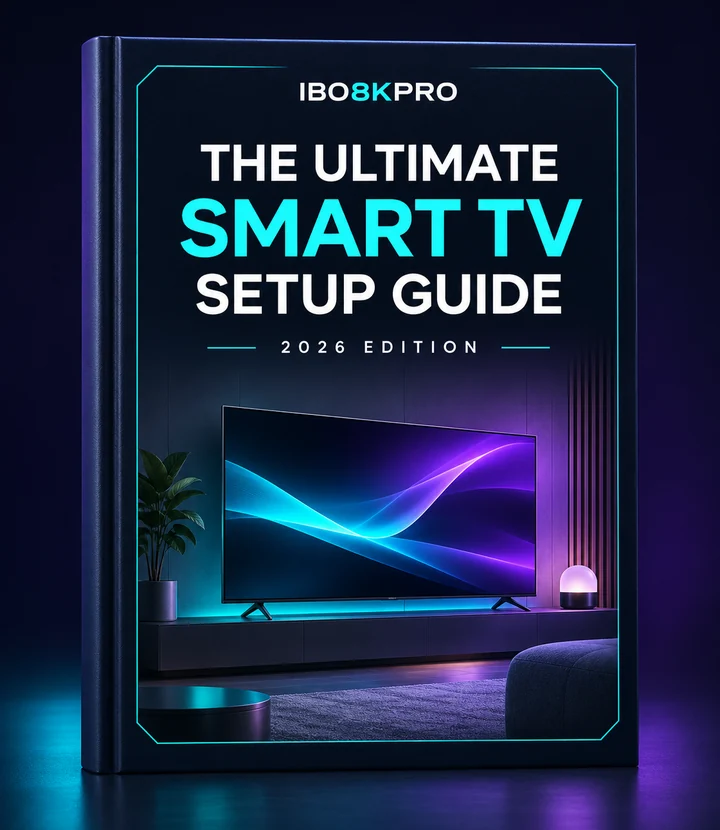
FREE SMART TV HANDBOOK · 2026 EDITION
The Ultimate Smart TV
Setup Guide.
A beginner-friendly handbook for setting up your TV, connecting devices, and making sense of common picture, sound and network problems.

Keep a copy by your remote.
Follow the chapters in order for a first-time setup, or jump straight to your device or a troubleshooting checklist. The official support links are clickable.
- Beginner-friendly instructions
- Step-by-step setup guidance
- Connectivity troubleshooting
- Picture and sound configuration
- Practical device tips
- Free PDF download
Select Download to save the file. If your device opens it first, use the PDF viewer’s download or share menu.
WHAT’S INSIDE
Explore the 21 chapters.
- Welcome
- Understanding your Smart TV
- Before you begin
- Initial television setup
- Connecting to your home Wi-Fi
- Updating TV software
- Installing official streaming apps
- Google TV and Android TV
- Samsung Smart TV setup
- LG Smart TV setup
- Amazon Fire TV configuration
- Apple TV configuration
- Connecting HDMI devices
- Understanding picture modes
- HDR and resolution settings
- Improving television sound
- Troubleshooting slow connections
- Solving common application problems
- Basic privacy and security
- Quick-reference checklist
- Official resources and support
COMMON QUESTIONS
Straightforward answers.
Find out what’s covered, how the download works, and where to send a question.
Is the Smart TV guide free?
Yes. The 2026 PDF is free to download and you can keep a copy. There is no purchase or email signup.
Which devices does the guide cover?
The handbook covers general Smart TV setup, Samsung and LG TVs, Google TV and Android TV, Fire TV, and Apple TV. It includes official Roku resources, and the website also has dedicated Roku setup steps.
Can I use the guide on my phone?
Yes. Open the PDF in your phone’s browser or PDF reader. You can also save it so you can read it offline while you work on your TV.
Are paid streaming subscriptions included?
No. The independent handbook does not include subscriptions or access to third-party content. App availability and fees are set by the app providers.